Smart workshop calendar
A smart calendar for booking customers and creating repair work orders quickly. It shows available times, accounts for lift occupancy and job duration, helps find customers and vehicles, and prevents overlapping appointments.
The StasiukFlow calendar is more than a list of appointments — it is the working schedule for the entire workshop. It shows occupied lifts, scheduled vehicles, the duration of each job, and available space for new appointments.
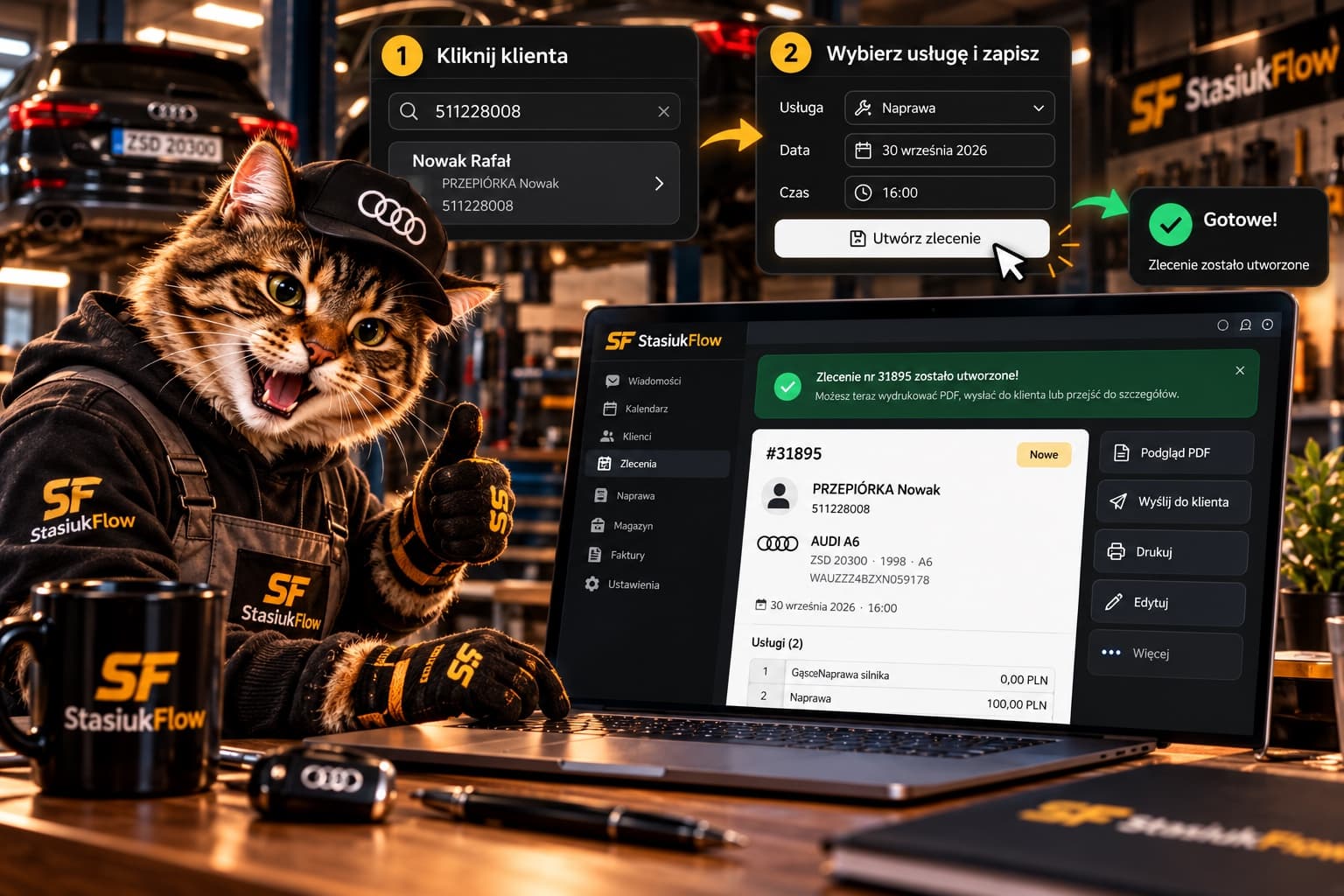
To create a new repair work order, simply select an available time directly in the calendar. For example, if the customer prefers 09:00, select that time to open the repair or diagnostic order window.
First, find the customer in the database by phone number, vehicle registration number, or personal customer number. If they have visited before, the system immediately shows their details and saved vehicles. Multiple vehicles can be linked to one customer — useful for individuals and businesses with fleets alike.
Handling incoming calls can also be easier: the employee enters the caller’s phone number, and if it is in the database, StasiukFlow immediately finds the customer, their details, and vehicles. There is no need to ask for all the information again or search manually.
If the customer is not yet in the database, you can quickly add them while creating the appointment. Enter vehicle details manually or scan the Aztec code on a Polish vehicle registration certificate to fill in the available data automatically. Then check the information and add the necessary contact details.
Next, choose the order type — repair or diagnostics — and select services from your existing catalogue. Each service already has a completion time, so the system automatically determines how much calendar time to reserve.
If the selected work takes 2 hours and the appointment starts at 12:00, the calendar reserves the lift until 14:00. If several jobs in one order total 6 hours, the system accounts for all 6 hours. This simplifies planning and helps avoid booking more vehicles than the workshop can actually service.
The system also checks for time conflicts. If the selected lift or required time slot is already occupied by another vehicle, a conflicting appointment cannot be created — the employee immediately sees that another available time must be chosen.
The calendar also shows each vehicle’s status: scheduled, confirmed, in progress, awaiting parts, ready, or completed. You can set a break or temporarily block a workstation so no new vehicle can be booked there during that period.
Administrators do not need to find customers separately, calculate job durations, or manually check available lifts. Customer → vehicle → service → available time → lift → completed work order — everything is created in one process and appears immediately in the workshop’s shared calendar.